Projection mapping
Artist research
Peter Walker – ‘Shine: Let There Be Light’ At Canterbury Festival – Canterbury Cathedral
Peter Walker is a fine artist whose specialises in Son-et-lumiere which translates to “sound and light” from French. This mean the art of using projection and sounds to create visually interesting images which fit the space they are presented in, in some cases completely transforing it appearance, this is also more commonly know as projection mapping.
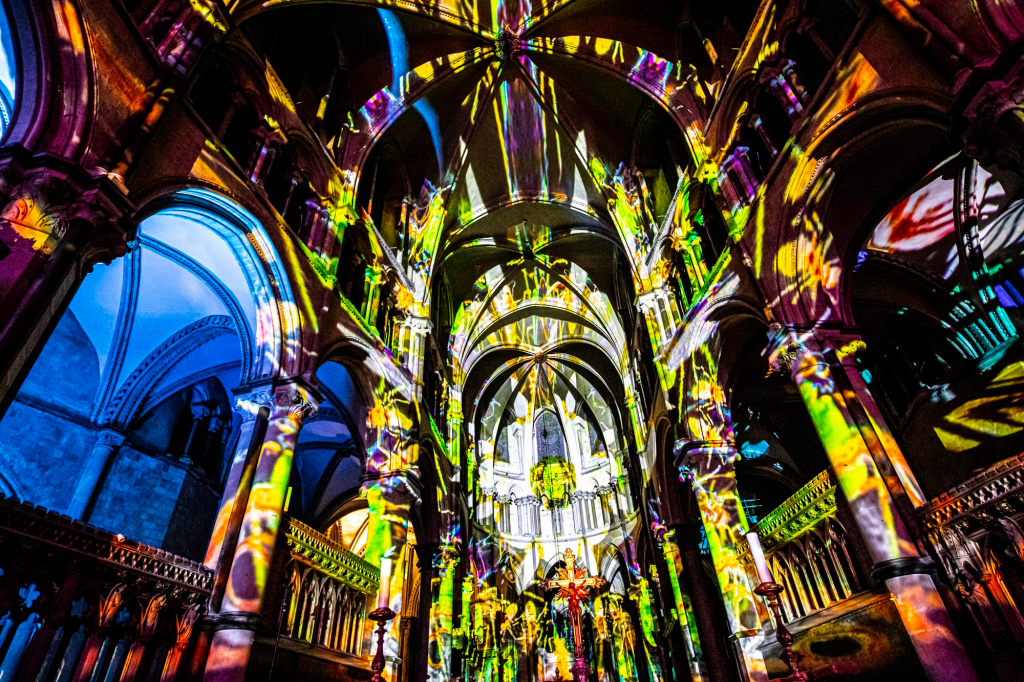
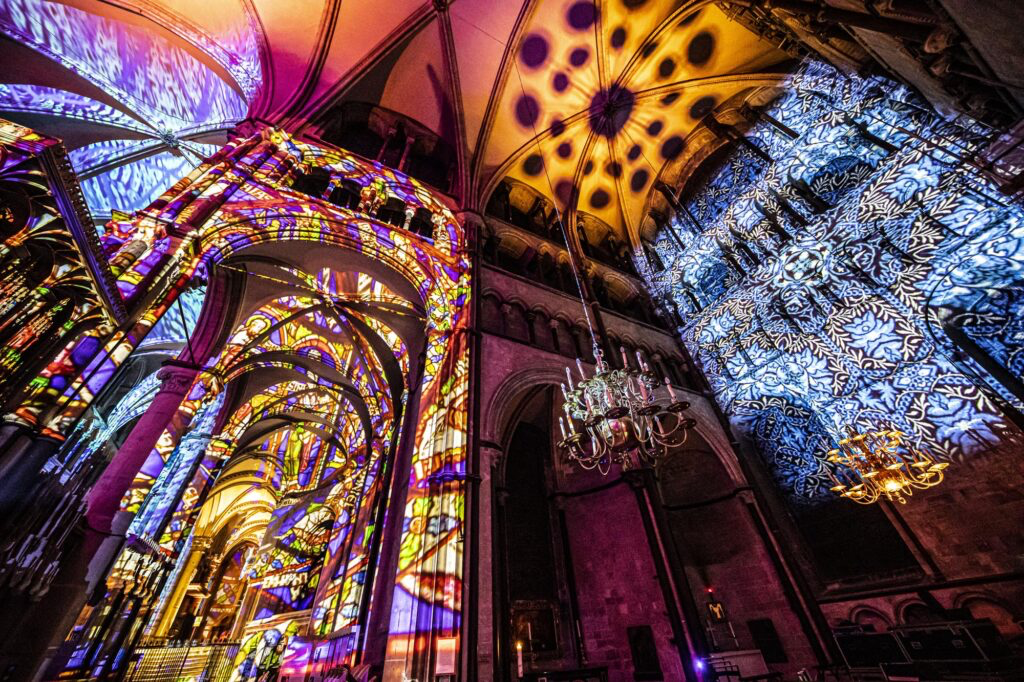
This display by Peter Walker is called ‘SHINE: LET THERE BE LIGHT’ and was done in Canterbury Cathedral on the 4th of November 2022.
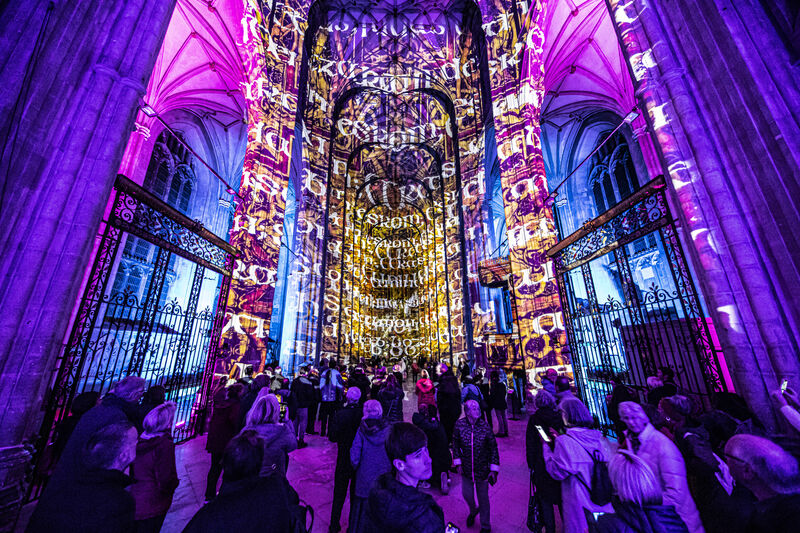
I really like Walkers use of words in his projections as makes the art feel more meaningful because it can deliver a very clear message so this is something I’d like to experiment with in my future project.

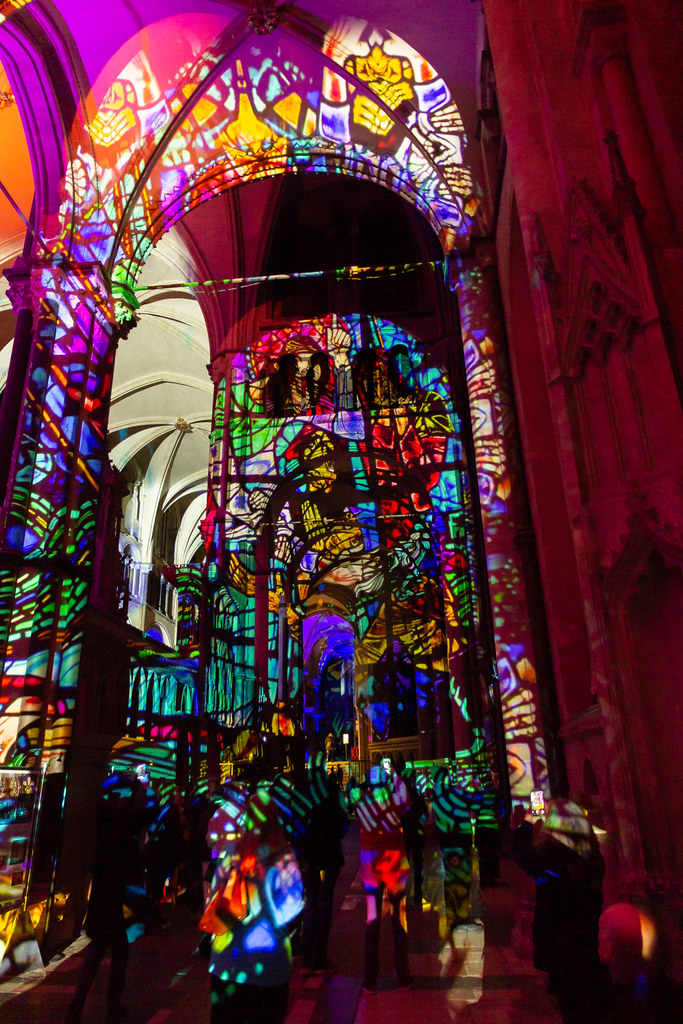
I also really enjoy Walkers use of bright colours in his projection mapping so I want to experimenting with using a similar verity of colours in my work.
Agustín Vidal Saavedra – The Intelligence Garden at Outernet
The intelligence garden is a digital artwork designed by Agustín Vidal Saavedra. It is currently on display at Outernet on 16k LED screens and has been since February 2026.
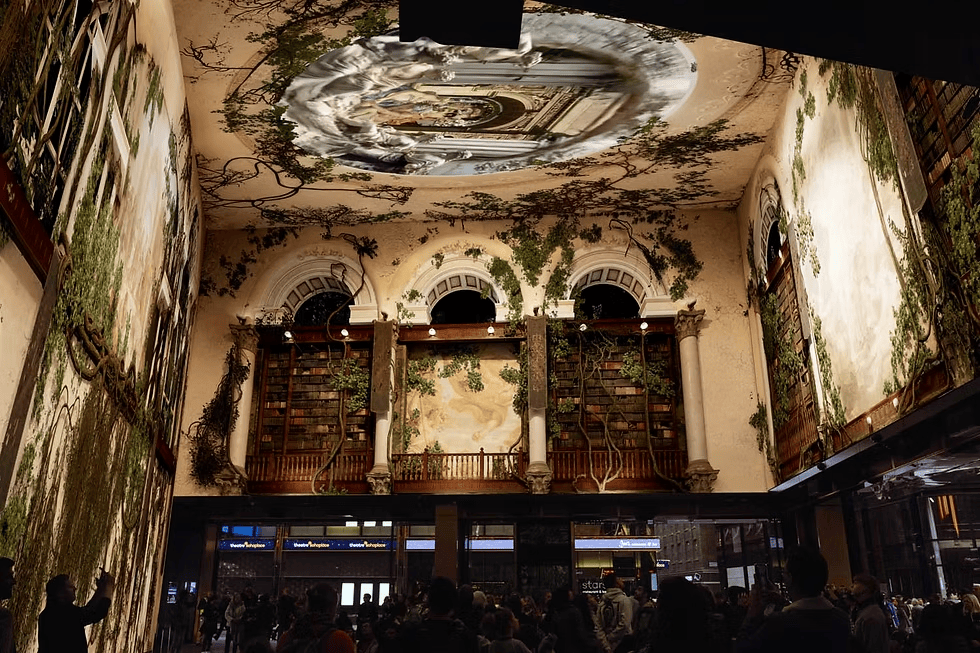
While The Intelligence Garden is not displayed via projection mapping, I still find the concept of it and the images that are shown to very inspiring for my work. The visuals tell the story of human development through the metaphor of a cave transforming into a beautiful, blooming garden. I really like the idea of my projection mapping telling a story in a similar way so I would like to experiment with ways of doing that.
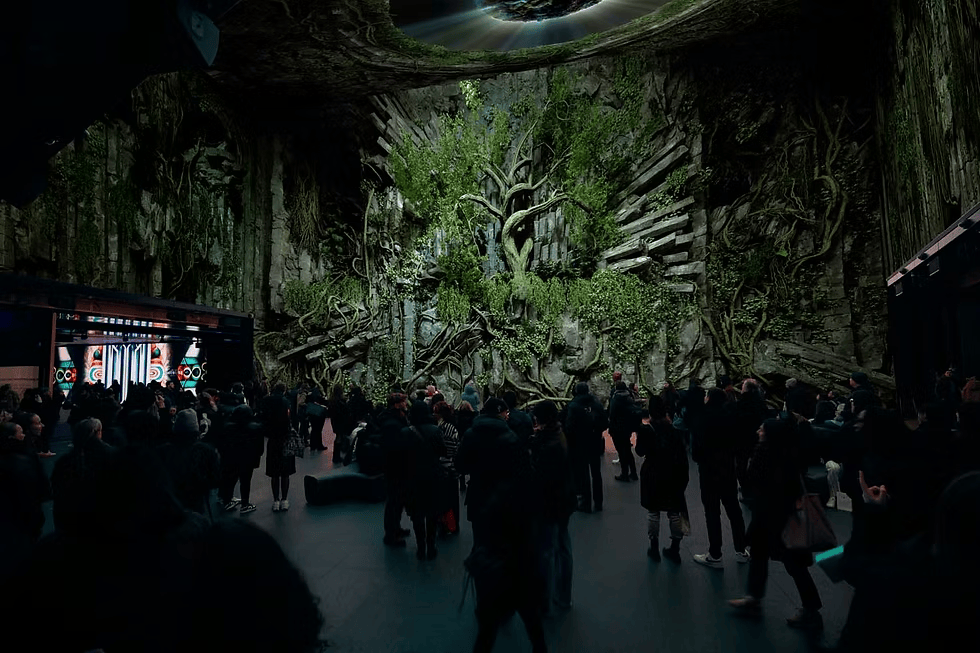
Something else I really like about The Intelligence Garden is how the stone and brick develops into blooming flowers and greenery. Since our theme is related to littering, I’d like to use this idea in the opposite direction, starting with plants and then developing it into trash or smoke to represent the effect littering is having on our climate.
Hyun Jean Lee – 빛 그리고 빛 (Light Green Leaves with Light)
빛 그리고 빛 (Light Green Leaves with Light) was a multi-channel video projection installation, installed at Anyang Foundation for Culture and Art Park. It was created by Hyun Jean Lee and was on display from October to December of 2012.
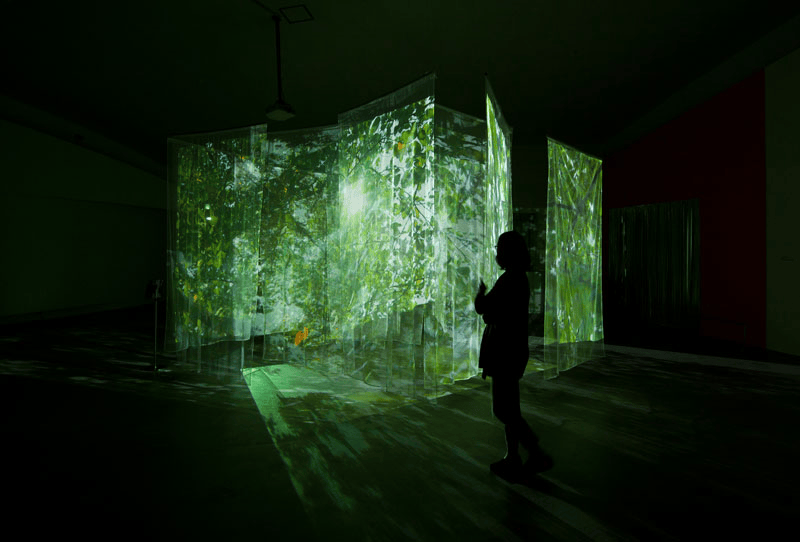
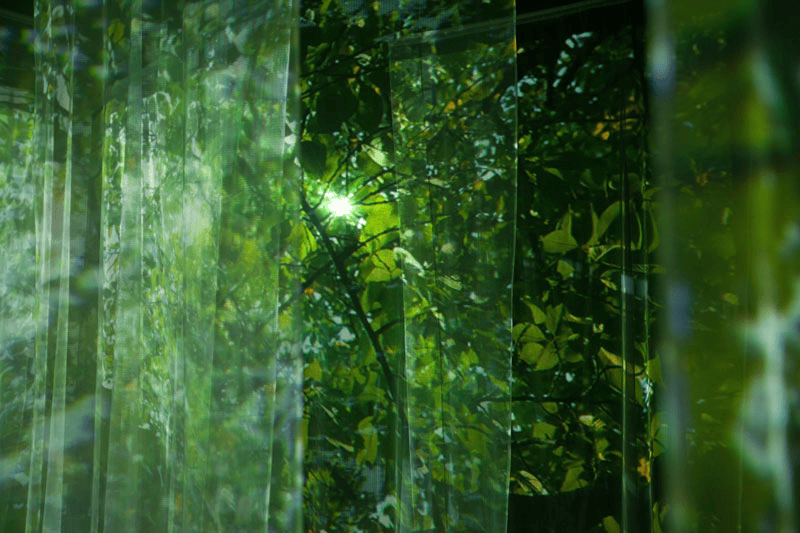
To create the magical feeling this installation has three different projectors were used to project images of sunlight peaking through a canopy of green leaves onto 16 semi-transparent screens. The point of this project was to replicate the feeling of a hot summers day and the artist believes that the light from a projector can be very similar to light in nature if its one in the right way which in this case, I think it is.
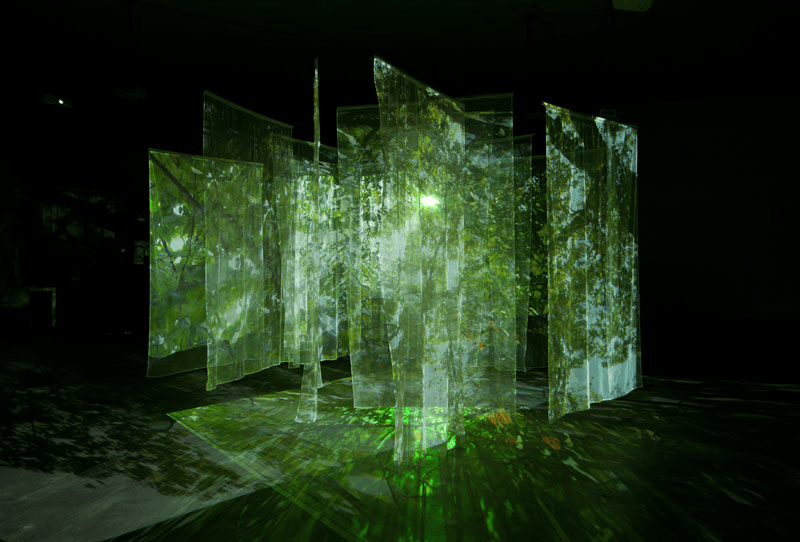
Along with the beautiful visuals, when you walked into the room containing this installation, you would hear the sounds of birds tweeting and leaves brushing together in the breeze. This along with the projections would create a real sense of being out in nature even though you would be standing inside. The use of sound effects being used in this way is definitely something I’d like to use in my projection mapping project to make my projections seem more life-like and real.
Mood Board
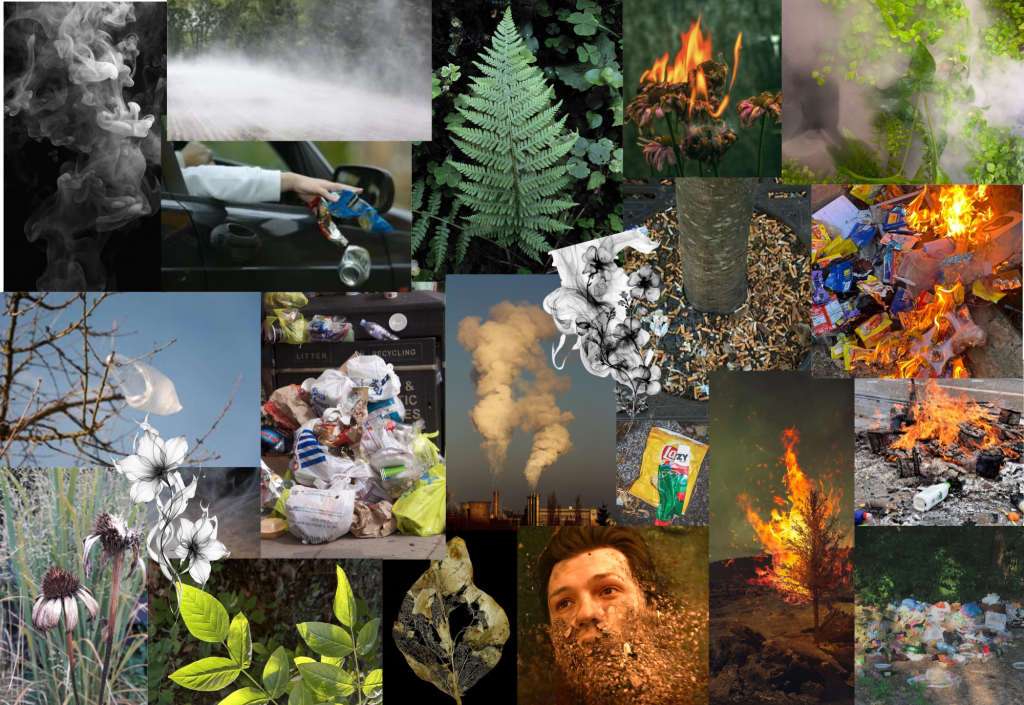
This is a mood board we created based on our themes and ideas about our projection mapping project. I included photos of smoke, fire, plants and litter as these are the things we want our projection mapping display to feature but the littering in particular as that is our chosen theme for our Junk Kouture project.
Projection mapping project ideas
Because our theme for our Junk Kouture project is going to be littering, we want our projection mapping to be somewhat related to that so here are some of our ideas.
-A hand throwing rubbish
-Plants withering/turning to smoke or ash
-Litter being thrown into a patch of flowers/plants
-litter turning into smoke
We would also like to experiment with using audio along side our projections though we are not really sure about which sounds would work best with our theme.



Unity “getting started” course
I completed Unity’s “getting started” course during which it went over, how to add a character to your game, how to customise your scene, how to add and adjust blocks and other basic elements that are important when designing and creating a 3D scene or game.
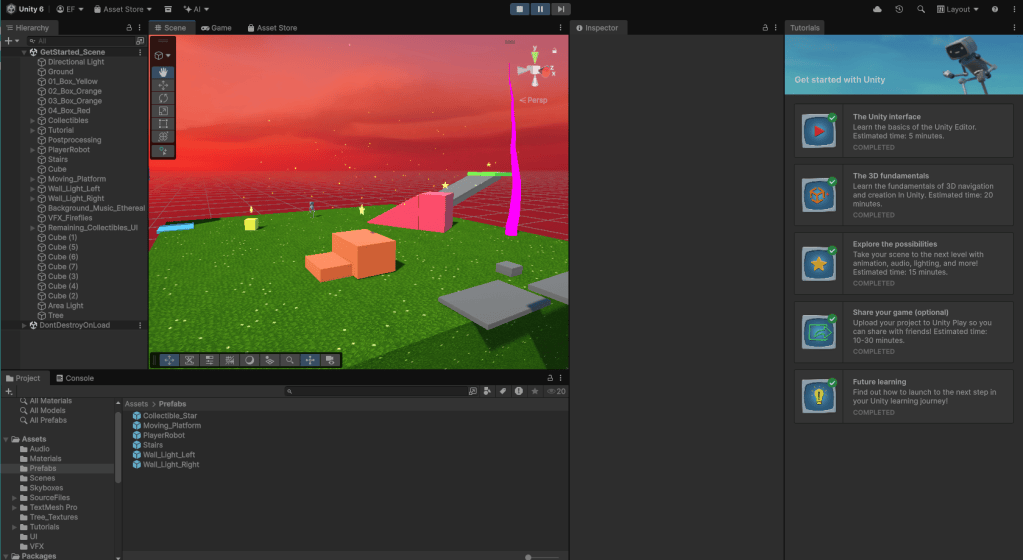
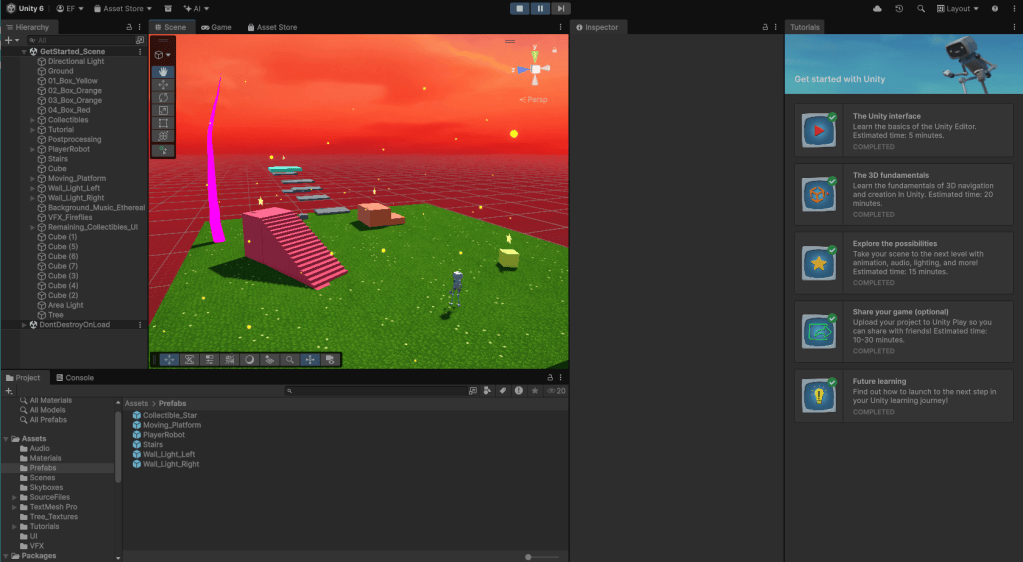
The two images above display my finished scene.
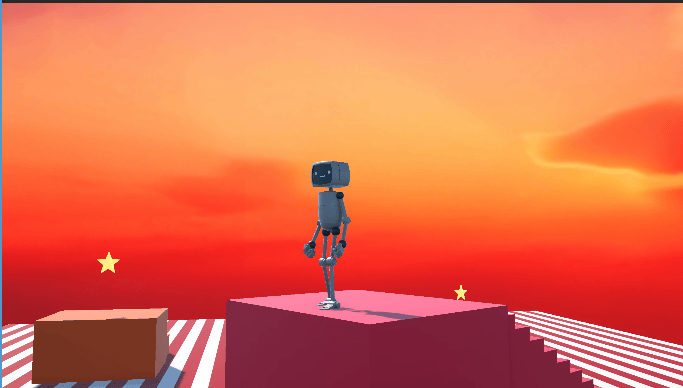
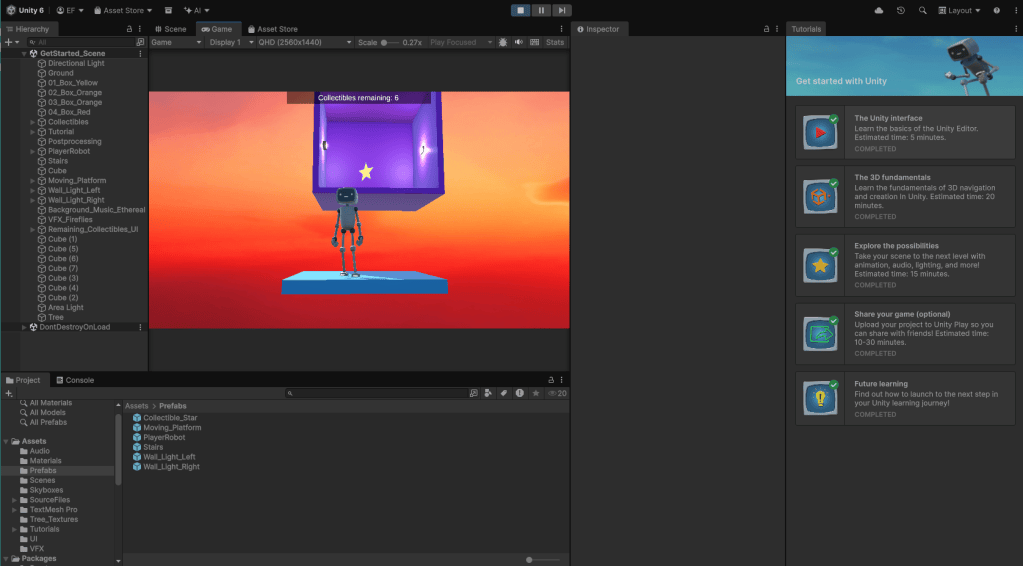
These are two photos of my character in my scene.
Starting off the software felt pretty complex but it made more sense as I continued with the tutorial and I eventually got the hang of it. I enjoyed completing this as it means I am now able to navigate the Unity software and have a basic understanding of how it works. I’m not sure that I would be able to redo this again without the tutorial but I am at least familiar with the lay out so it should be a lot easier next time I use Unity. I particularly struggled with creating a bridge of blocks to the floating platform as it took me a few goes to get them all lined up correctly.
Weekly reflections

